Jun 3, 2026
Simple to pick up
I like that the important controls are easy to find. It feels focused on finishing the task rather than showing off menus. For FileForge X, the creators focus feels especially relevant to the way I work.
Avery S.
 // v18.59
planet.X software
Inspect images, preview framing, validate your outputs, and export a ZIP plus manifest.
Prepare consistent image variants from authorized source files. Inspect sources, preview crop and framing, generate named packs, validate the actual output files, and export a ZIP with a machine-readable manifest.
Status: Available now
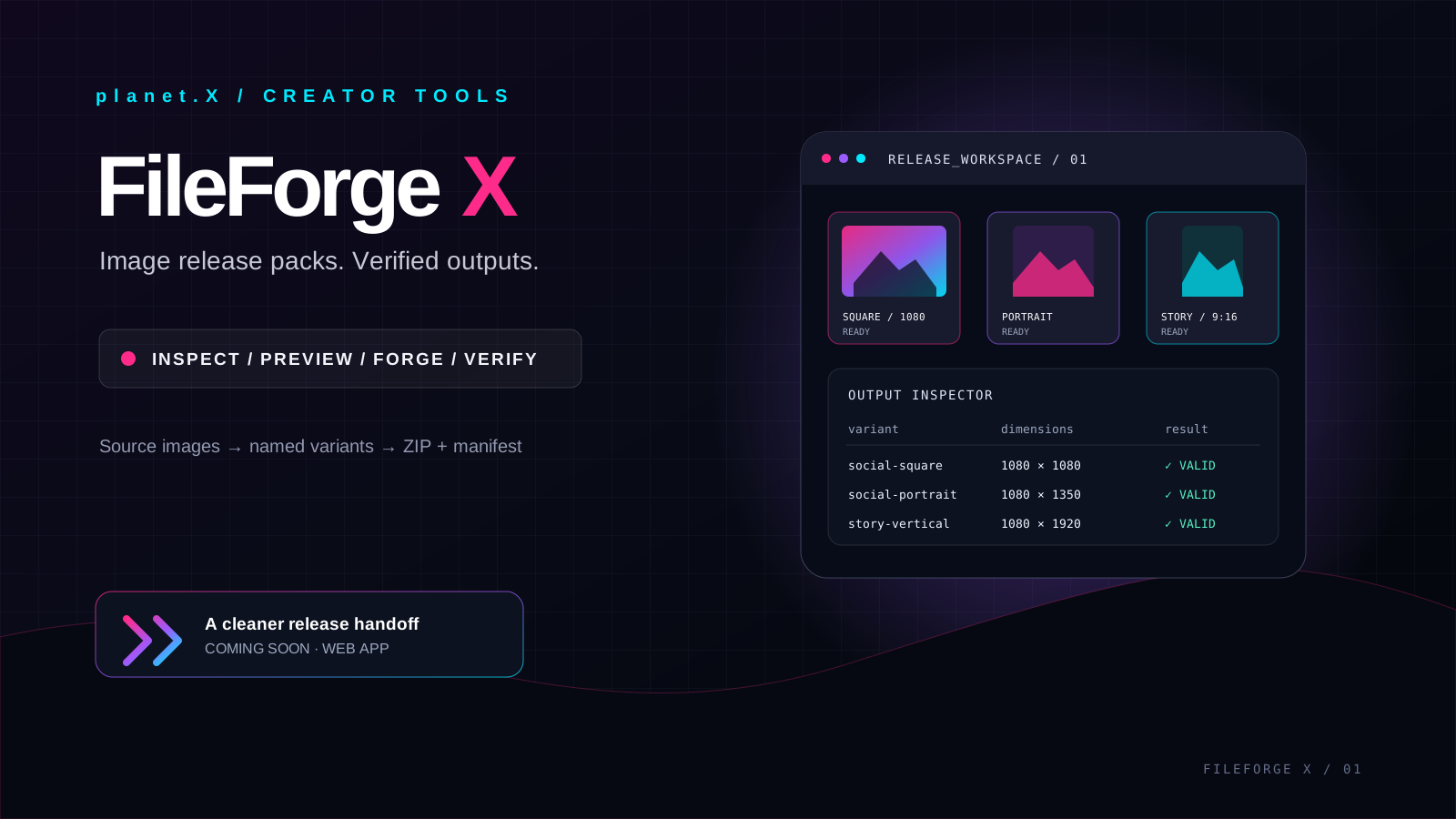
Software / Image release-pack & QA workstation
Prepare consistent image variants from authorized source files. Inspect sources, preview crop and framing, generate named packs, validate the actual output files, and export a ZIP with a machine-readable manifest.
Sample review concepts · not verified customer feedback
I like that the important controls are easy to find. It feels focused on finishing the task rather than showing off menus. For FileForge X, the creators focus feels especially relevant to the way I work.
Avery S.
The details feel considered, especially the way the main workflow is kept separate from optional extras. For FileForge X, the creators focus feels especially relevant to the way I work.
Quinn H.
It gives me a more repeatable process. I can spend less time setting things up and more time on the actual work. For FileForge X, the creators focus feels especially relevant to the way I work.
Cameron W.
3
Quick Pack formats
12
Custom outputs
ZIP + JSON
Release handoff
What is included
Best fit
Free demo: three watermarked packs per rolling seven days. $19.99 one-time Pro license is account-bound, with clean exports and eligible ChatGPT companion access; purchase-to-activation validation is still pending.
Try three watermarked demo packs every seven days, or purchase the one-time Pro license via Payhip. Use Settings → License & Access in FileForge X to activate the issued key.
chris@planet-x.coThe exact current contents are listed above. No unlisted bonus files, fake quantities, or assumed features are included in this page.
Try three watermarked demo packs every seven days, or purchase the one-time Pro license via Payhip. Use Settings → License & Access in FileForge X to activate the issued key.
Use the visible planet.X support email above with the product name and the compatibility or licensing question you need answered.
Related products
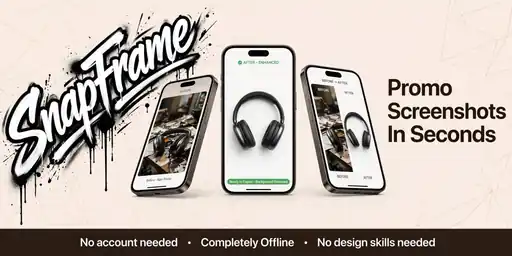 planet.X softwareSoftware
Turn raw mobile, tablet, and desktop screenshots into polished App Store and Google Play artwork with device frames, captions, branded backgrounds, perspective controls, reusable project files, and one-click multi-size ZIP export.
Optional Pro upgrade
Free
Sample review concepts · not verified customer feedback
A much cleaner export workflow
I can move from raw captures to store-ready screenshots without juggling several design files. The workflow feels focused.
Morgan R.
The sizing presets save time
The platform presets make it easier to keep each set of images consistent. I still check the final exports, but it removes a lot of repetitive setup.
Morgan R.
Exactly the kind of polish I needed
The useful part is how quickly I can apply a visual direction across a whole set. It keeps the process practical instead of overcomplicated.
Morgan R.
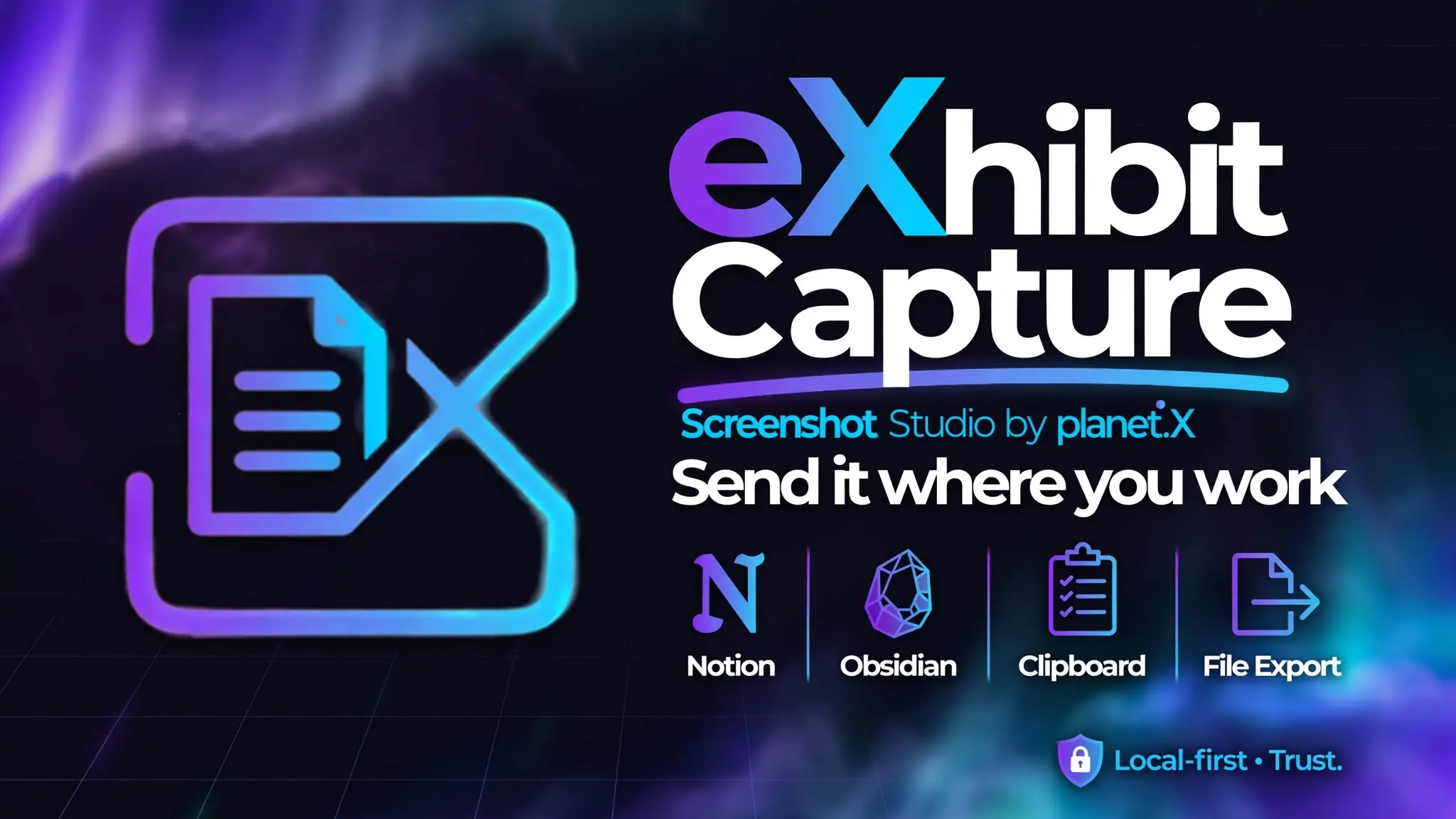 planet.X softwareSoftware
Capture webpages, selected text, screenshots, and screen recordings from a focused Chrome side panel. Keep useful evidence organized in local History so you can return to the source and context when researching, documenting issues, or building tutorials.
Optional Pro upgrade
Free
Sample review concepts · not verified customer feedback
A thoughtful workflow
The flow is easy to understand, and I can get to the part I need without digging through layers of settings. For eXhibit Capture, the research and source collection focus feels especially relevant to the way I work.
Quinn H.
Simple to pick up
I like that the important controls are easy to find. It feels focused on finishing the task rather than showing off menus. For eXhibit Capture, the research and source collection focus feels especially relevant to the way I work.
Cameron W.
Good focus on the details
The details feel considered, especially the way the main workflow is kept separate from optional extras. For eXhibit Capture, the research and source collection focus feels especially relevant to the way I work.
Jamie L.
 planet.X softwareSoftware
A Windows PC visual website editor for guided templates, reusable components, HTML-to-JSX conversion, source-aware editing, and connected publishing workflows. A feature-limited browser demo is available separately for evaluation.
Optional Pro upgrade
Free
Sample review concepts · not verified customer feedback
A practical visual workspace
The editor gives me a clear place to make changes and review the result. I like that the workflow stays focused on the page.
Reese T.
Templates give me a fast starting point
Starting from a template saves setup time, and I can still adjust the parts that matter to the project.
Reese T.
Less friction when polishing a page
I appreciate being able to refine a page visually without losing sight of the underlying structure. It feels made for getting work finished.
Taylor B.