Library
Installed and registered products only — your actual working set, not a duplicate storefront.
 // v18.34
fabriX Suite / planet.X
fabriX is the shared launcher, manager, project hub, asset system, capability registry, and workflow layer for compatible planet.X and Xupply products.
The rule is simple: every product must remain useful alone. The Suite becomes valuable when you have more than one tool and want them to stop acting like strangers.
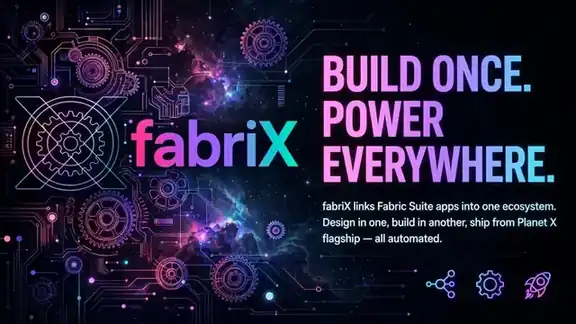
fabriX Hub // connected ecosystem
View Hub →What the Hub owns
Installed and registered products only — your actual working set, not a duplicate storefront.
Shared project context that can carry metadata, assets, outputs, history, and links back to the originating tools.
Reusable source assets stay distinct from generated artifacts, with product grouping and provenance instead of one giant folder.
A capability-aware view of what each product provides, what another product can accept, and what useful route exists between them.
Saved multi-tool sequences, run history, status, and a path toward deeper adapter-level automation as the ecosystem matures.
A common adapter contract so selected planet.X software can participate without being rebuilt around one product family.
Power-user flow
One shared project // six short steps
Open one shared project
Launch the right installed tool
Pass project context + assets
Publish artifacts back
Reuse them downstream
Keep the chain visible
Why a power user cares
Without a shared fabric, every specialized tool becomes another island: find the file again, recreate the project state, export the same data, rename the same assets, remember which version belongs where.
fabriX is designed to make the ecosystem remember that context for you. The Hub can know what products are installed, which project is active, what each product can provide, and where a useful next step exists.
That does not mean the Hub becomes a mandatory shell. A single product stays a single product. The network effect begins when multiple compatible products can genuinely save you steps.
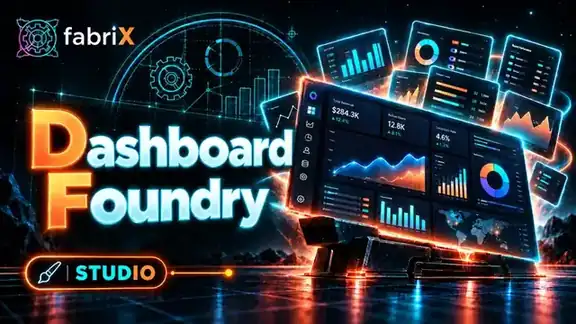
Studios
A premium dashboard system with component/state libraries, page archetypes, and a working local Foundry surface.

Systems
A local-first monetization architecture workspace for ownership, trust boundaries, licensing, and economics.
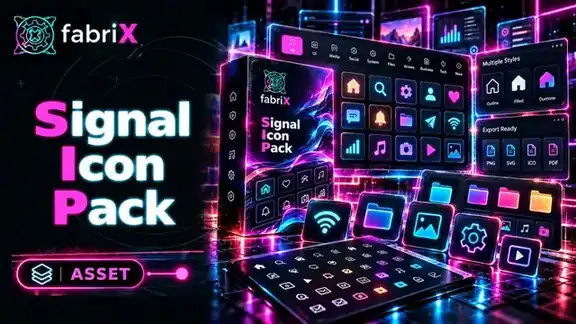
Packs
A searchable icon system with editable SVG source, local recoloring, and PNG export.

Courses
A project-based 9-phase course that takes one digital product from idea through validation, build, packaging, sale, launch, and post-launch review.
Owning one fabriX-compatible product never requires the Hub for basic use. Cross-product workflows are additive, not a tax on the product you already bought.
Connections are meant to resolve from what a product can provide and what another can accept — not from brittle one-off product-name hardcoding.
The long-term target is a local-first workflow engine with saved projects, typed inputs/outputs, permissions, history, artifacts, adapter calls, and useful automation that stays understandable.
Current truth
Current builds have the installed-only Library model, projects, product asset grouping, saved workflow definitions, run history, and a native Windows direction. Deeper semantic transformation and fully bidirectional automation between every product is still an active evolution — not something this page pretends is finished.