Oct 8, 2026
A thoughtful workflow
The flow is easy to understand, and I can get to the part I need without digging through layers of settings. For conteXt, the indie developers focus feels especially relevant to the way I work.
Morgan R.
 // v18.61
planet.X software
Keep developer credentials and project context encrypted on-device.
A local-first encrypted workspace for the API keys, tokens, environment values, notes, and project context developers otherwise lose across dashboards and files.
Chrome extension
Free
Status: Available now
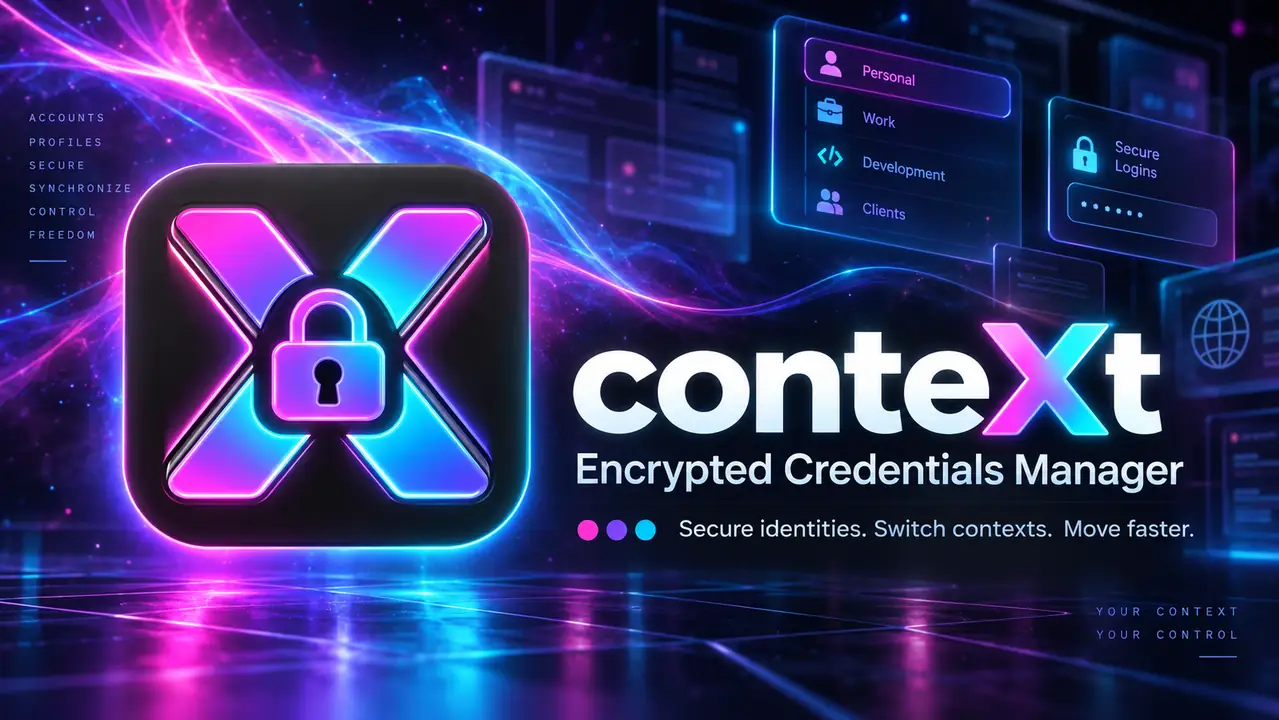
Software / Encrypted developer workspace
A local-first encrypted workspace for the API keys, tokens, environment values, notes, and project context developers otherwise lose across dashboards and files.
Sample review concepts · not verified customer feedback
The flow is easy to understand, and I can get to the part I need without digging through layers of settings. For conteXt, the indie developers focus feels especially relevant to the way I work.
Morgan R.
The details feel considered, especially the way the main workflow is kept separate from optional extras. For conteXt, the indie developers focus feels especially relevant to the way I work.
Morgan R.
It gives me a more repeatable process. I can spend less time setting things up and more time on the actual work. For conteXt, the indie developers focus feels especially relevant to the way I work.
Morgan R.
AES-GCM
Local encryption
.env
Ready exports
0
Cloud uploads
What is included
Best fit
Install free from the Chrome Web Store. Existing local vault data remains on-device. Optional Pro licensing is available from the private in-extension upgrade flow.
Install from the official Chrome Web Store listing. The store page remains the source of install availability.
chris@planet-x.coThe exact current contents are listed above. No unlisted bonus files, fake quantities, or assumed features are included in this page.
Install from the official Chrome Web Store listing. The store page remains the source of install availability.
Use the visible planet.X support email above with the product name and the compatibility or licensing question you need answered.
Related products
 planet.X softwareSoftware
Save complete Chrome workspaces, restore windows and native tab groups, recover session snapshots, search saved context, and keep duplicate tabs under control without uploading browsing data to a cloud service.
Optional Pro upgrade
Free
Sample review concepts · not verified customer feedback
A thoughtful workflow
The flow is easy to understand, and I can get to the part I need without digging through layers of settings. For Session Grid, the heavy-tab workflows focus feels especially relevant to the way I work.
Drew P.
Simple to pick up
I like that the important controls are easy to find. It feels focused on finishing the task rather than showing off menus. For Session Grid, the heavy-tab workflows focus feels especially relevant to the way I work.
Drew P.
Good focus on the details
The details feel considered, especially the way the main workflow is kept separate from optional extras. For Session Grid, the heavy-tab workflows focus feels especially relevant to the way I work.
Drew P.
 Xupply by planet.XCreator Resources
A coordinated design and messaging system for taking an indie app from coming-soon announcement through launch day, follow-up posts, reviews, updates, and offers.
Launch price
$7.99
Sample review concepts · not verified customer feedback
A thoughtful workflow
The flow is easy to understand, and I can get to the part I need without digging through layers of settings. For Indie App Creator Launch Kit, the indie apps focus feels especially relevant to the way I work.
Cameron W.
Simple to pick up
I like that the important controls are easy to find. It feels focused on finishing the task rather than showing off menus. For Indie App Creator Launch Kit, the indie apps focus feels especially relevant to the way I work.
Jamie L.
Good focus on the details
The details feel considered, especially the way the main workflow is kept separate from optional extras. For Indie App Creator Launch Kit, the indie apps focus feels especially relevant to the way I work.
Cameron W.
 Xupply by planet.XCreator Resources
Ten distinct, dependency-free visual effects that can be inspected, customized, and integrated into landing pages, portfolios, music sites, and experimental interfaces.
Current price
$7.99
Sample review concepts · not verified customer feedback
A thoughtful workflow
The flow is easy to understand, and I can get to the part I need without digging through layers of settings. For Website Atmosphere Pack, the landing pages focus feels especially relevant to the way I work.
Cameron W.
Simple to pick up
I like that the important controls are easy to find. It feels focused on finishing the task rather than showing off menus. For Website Atmosphere Pack, the landing pages focus feels especially relevant to the way I work.
Jamie L.
Good focus on the details
The details feel considered, especially the way the main workflow is kept separate from optional extras. For Website Atmosphere Pack, the landing pages focus feels especially relevant to the way I work.
Cameron W.
planet.X software