Xupply by planet.X

Xday 2027 Digital Planner

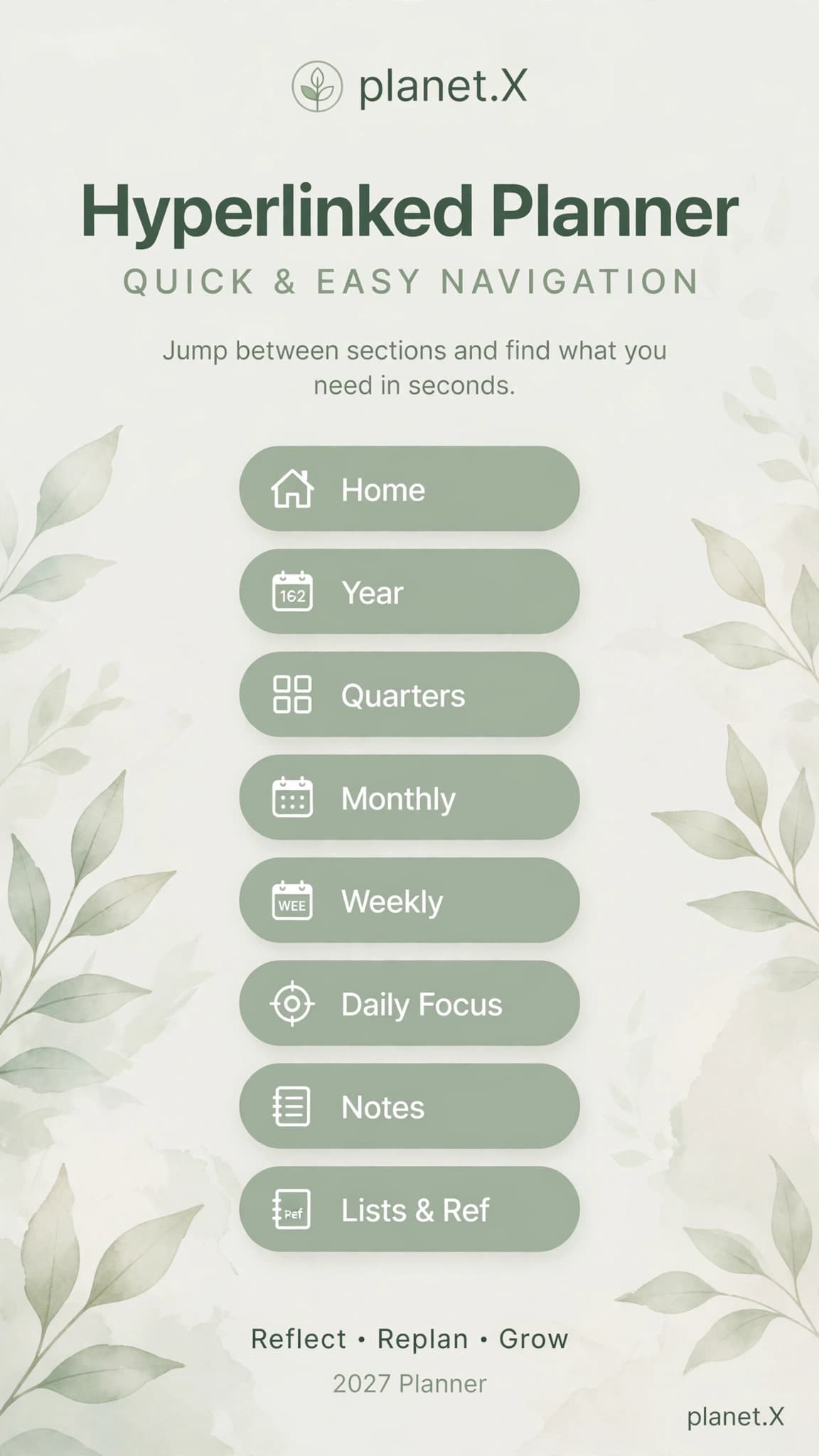
A hyperlinked 2027 digital planner with monthly, weekly and daily layouts, notes and navigational links.

A hyperlinked 2027 digital planner with monthly, weekly and daily layouts, notes and navigational links.

Price recorded in product documentation; confirm at checkout

$14.99

Buy Now

Status: Available now

Xday 2027 hyperlinked digital planner cover artwork

Creator Resources / Hyperlinked digital planner

Xday 2027 Digital Planner

A hyperlinked 2027 digital planner with monthly, weekly and daily layouts, notes and navigational links.

Sample review concepts · not verified customer feedback

Reviews for Xday 2027 Digital Planner

Oct 8, 2026

Simple to pick up

I like that the important controls are easy to find. It feels focused on finishing the task rather than showing off menus. For Xday 2027 Digital Planner, the digital planning focus feels especially relevant to the way I work.

Cameron W.

Aug 30, 2026

Good focus on the details

The details feel considered, especially the way the main workflow is kept separate from optional extras. For Xday 2027 Digital Planner, the digital planning focus feels especially relevant to the way I work.

Jamie L.

Jul 9, 2026

Fits my process

It gives me a more repeatable process. I can spend less time setting things up and more time on the actual work. For Xday 2027 Digital Planner, the digital planning focus feels especially relevant to the way I work.

Alex C.

2027

Dated planner

Linked

Navigation

Daily

Planning pages

What is included

The actual product, not a vague promise.

  • Monthly and weekly planning layouts
  • Daily-focus pages and notes
  • Hyperlinked navigation

Best fit

Built for a specific job.

Digital planningOrganizing routinesTask planning
Format
Digital planner download
Platforms
Digital planner download
Delivery
Digital fulfillment uses the embedded Payhip checkout. The purchase window opens over planet.X instead of navigating the shopper to Payhip.

How it is used

  1. 01Review the exact contents and formats below.
  2. 02Open the embedded checkout without leaving the planet.X product page.
  3. 03Use the delivered files in the compatible workflow described for the product.

License, delivery & support

Licensed under the official Xupply Asset License. Personal and commercial end-product use is allowed; the source assets themselves may not be resold, shared, redistributed, sublicensed, or repackaged as standalone or competing assets.

Read the official Xupply License Terms →

Digital fulfillment uses the embedded Payhip checkout. The purchase window opens over planet.X instead of navigating the shopper to Payhip.

chris@planet-x.co
Product FAQ
What exactly do I receive?

The exact current contents are listed above. No unlisted bonus files, fake quantities, or assumed features are included in this page.

Where does checkout or installation happen?

Digital fulfillment uses the embedded Payhip checkout. The purchase window opens over planet.X instead of navigating the shopper to Payhip.

What if I need help before buying?

Use the visible planet.X support email above with the product name and the compatibility or licensing question you need answered.

Related products

Keep the workflow connected.

Browse all items →
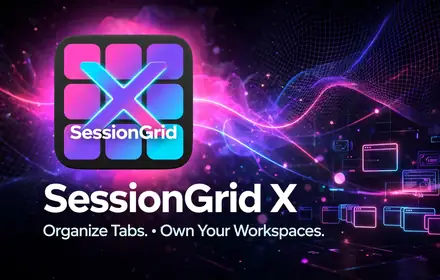
SessionGrid X tab and workspace manager — Organize Tabs, Own Your Workspaces
planet.X softwareSoftware

Session Grid

Save complete Chrome workspaces, restore windows and native tab groups, recover session snapshots, search saved context, and keep duplicate tabs under control without uploading browsing data to a cloud service.

Optional Pro upgrade

Free

Sample review concepts · not verified customer feedback

Session Grid

Jun 3, 2026

A thoughtful workflow

The flow is easy to understand, and I can get to the part I need without digging through layers of settings. For Session Grid, the heavy-tab workflows focus feels especially relevant to the way I work.

Drew P.

May 18, 2026

Simple to pick up

I like that the important controls are easy to find. It feels focused on finishing the task rather than showing off menus. For Session Grid, the heavy-tab workflows focus feels especially relevant to the way I work.

Drew P.

Apr 30, 2026

Good focus on the details

The details feel considered, especially the way the main workflow is kept separate from optional extras. For Session Grid, the heavy-tab workflows focus feels especially relevant to the way I work.

Drew P.

More on Session Grid
View related product Session Grid
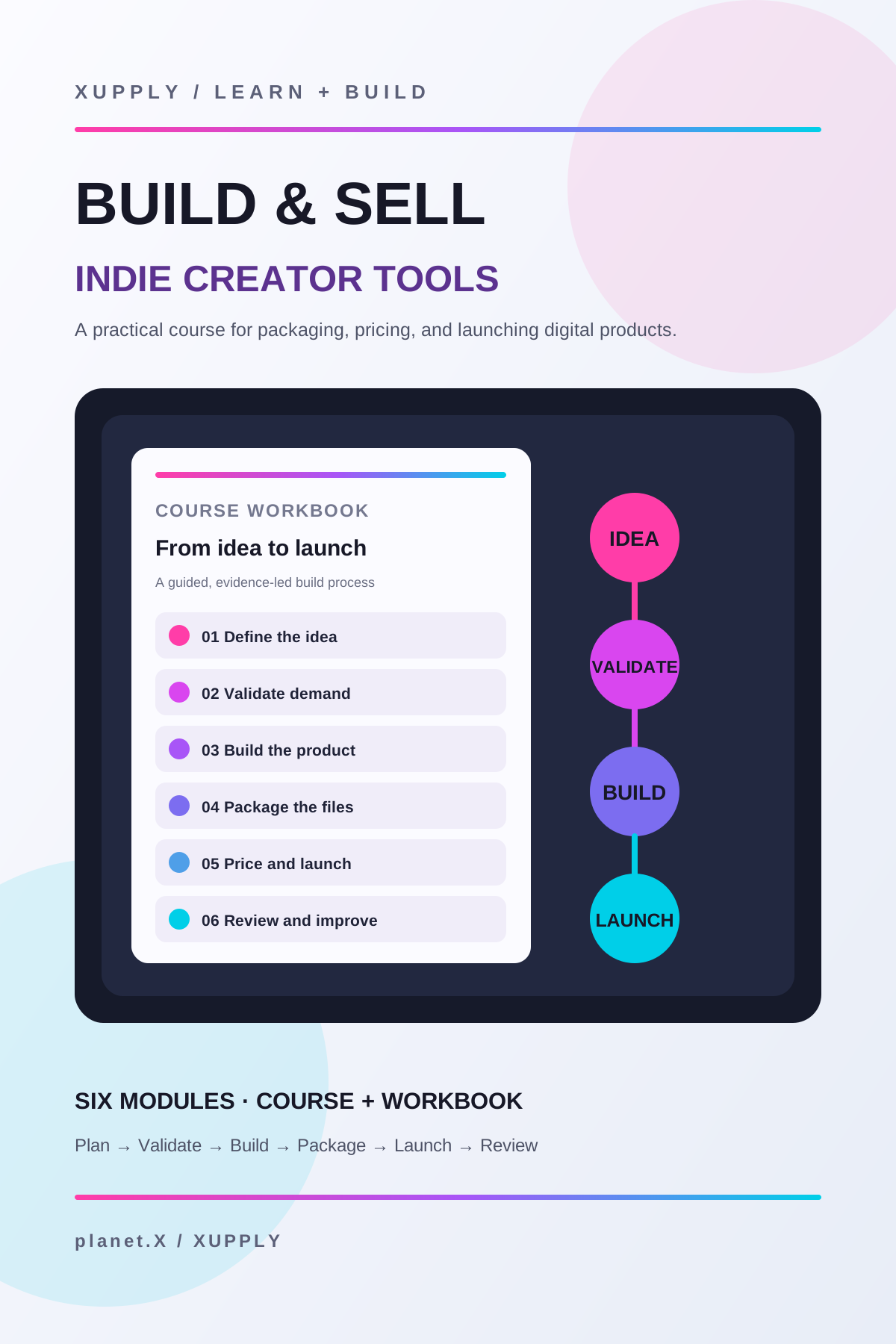
Cover artwork for the Build & Sell Indie Creator Tools course, showing a workbook and six-stage digital-product workflow.
Xupply by planet.XCreator Resources

Build & Sell Indie Creator Tools

A self-paced six-module course for developers, producers, and designers who already make useful things and want a practical system for packaging, pricing, listing, launching, and selling them.

Current Payhip price

$14.99

Sample review concepts · not verified customer feedback

Build & Sell Indie Creator Tools

May 18, 2026

A thoughtful workflow

The flow is easy to understand, and I can get to the part I need without digging through layers of settings. For Build & Sell Indie Creator Tools, the indie developers focus feels especially relevant to the way I work.

Quinn H.

Oct 8, 2026

Simple to pick up

I like that the important controls are easy to find. It feels focused on finishing the task rather than showing off menus. For Build & Sell Indie Creator Tools, the indie developers focus feels especially relevant to the way I work.

Cameron W.

Aug 30, 2026

Good focus on the details

The details feel considered, especially the way the main workflow is kept separate from optional extras. For Build & Sell Indie Creator Tools, the indie developers focus feels especially relevant to the way I work.

Jamie L.

More on Build & Sell Indie Creator Tools
View related product Build & Sell Indie Creator Tools
Learning Lab REA widescreen promotional artwork
Xupply by planet.XCreator Resources

Reverse Engineer Anything — Interactive Learning Lab

Investigate authorized software behavior through nine evidence-first lessons, interactive exercises, 45 knowledge questions, a local Notebook, and a capstone. Build 1.23 is an owner-accepted source milestone; release is not yet published.

Price and release date not yet announced

Coming soon

Sample review concepts · not verified customer feedback

Reverse Engineer Anything — Interactive Learning Lab

Apr 30, 2026

A thoughtful workflow

The flow is easy to understand, and I can get to the part I need without digging through layers of settings. For Reverse Engineer Anything — Interactive Learning Lab, the curious makers focus feels especially relevant to the way I work.

Reese T.

Apr 12, 2026

Simple to pick up

I like that the important controls are easy to find. It feels focused on finishing the task rather than showing off menus. For Reverse Engineer Anything — Interactive Learning Lab, the curious makers focus feels especially relevant to the way I work.

Reese T.

Aug 14, 2026

Good focus on the details

The details feel considered, especially the way the main workflow is kept separate from optional extras. For Reverse Engineer Anything — Interactive Learning Lab, the curious makers focus feels especially relevant to the way I work.

Taylor B.

More on Reverse Engineer Anything — Interactive Learning Lab
View related product Reverse Engineer Anything — Interactive Learning Lab

Xupply by planet.X

Ready for Xday 2027 Digital Planner?